Works on the devices you already own
One subscription, every screen in the house. Most people are watching within five minutes of checkout.
- MLS
- NBA
- NFL
- MLB
- NHL
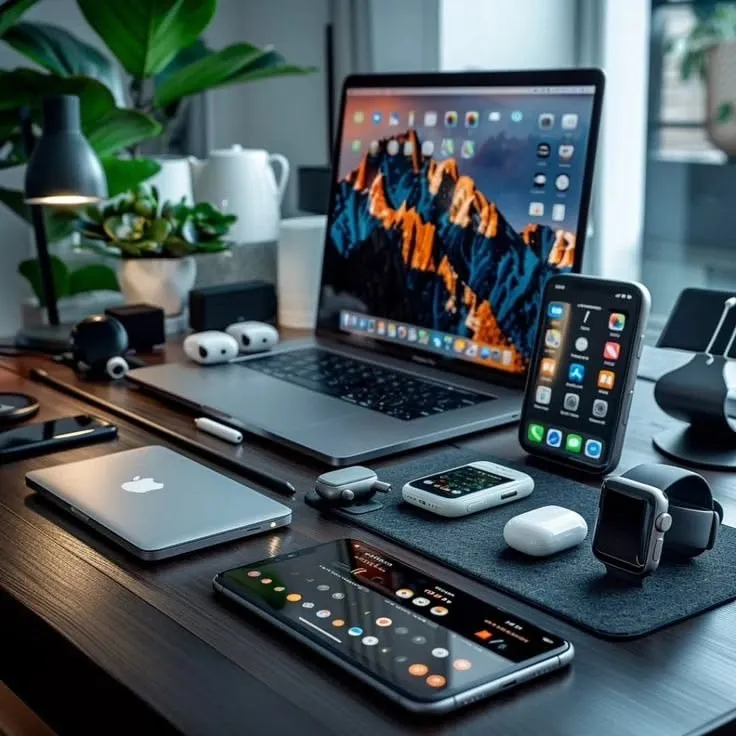
Works on the devices you already own
One subscription covers every screen in the house. No proprietary box, no installation visit.
- Smart TV
- Android
- iPhone & iPad
- Fire Stick
- MAG Box
- Windows & macOS
- Apple TV
- Xbox & PlayStation
Installed in five minutes
Pick your platform and follow the steps. Support can screen-share if you would rather we did it with you.
Smart TV (Samsung / LG)
3 min- 1
Open the app store on your TV and install Smart IPTV or IBO Player.
- 2
Note the MAC address the app displays on first launch.
- 3
Send that MAC address to our support chat and we activate the device.
- 4
Restart the app — your full channel list loads automatically.
- 1
Amazon Fire Stick
4 min- 1
From Settings → My Fire TV → Developer Options, enable apps from unknown sources.
- 2
Install the Downloader app and enter the link from your welcome email.
- 3
Open the installed player and sign in with your username and password.
- 4
Pick a category and start watching.
- 1
Android & iOS
2 min- 1
Install IBO Pro Player or IBO Player from Google Play or the App Store.
- 2
Open the app and send us a screenshot of your MAC address and device ID — we add the playlist to your device for you.
- 3
The library syncs in a few seconds and is ready on mobile data or Wi-Fi.
- 1
MAG Box & Windows / macOS
5 min- 1
On MAG, go to Settings → Servers → Portals and enter the portal URL we sent you.
- 2
On desktop, install VLC or MyIPTV Player and load the M3U playlist link.
- 3
Reboot the device so the portal refreshes.
- 4
Channels, movies and series appear under separate tabs.
- 1